Seventy-five days.
Your rules.
Transform 75 is a 75-day challenge tracker you design yourself. Pick your tasks, set your water goal, decide how strict you want to be — then let the app hold the line while you do the work.
Requires iOS 18.6 or later. Independent app — not affiliated with or endorsed by any other fitness program or challenge.
Everything the challenge needs.
Nothing it doesn't.
Most trackers are a checklist with a streak counter bolted on. This one carries the whole run: the daily work, the photos, the food, the writing, the numbers — and the day you finish.
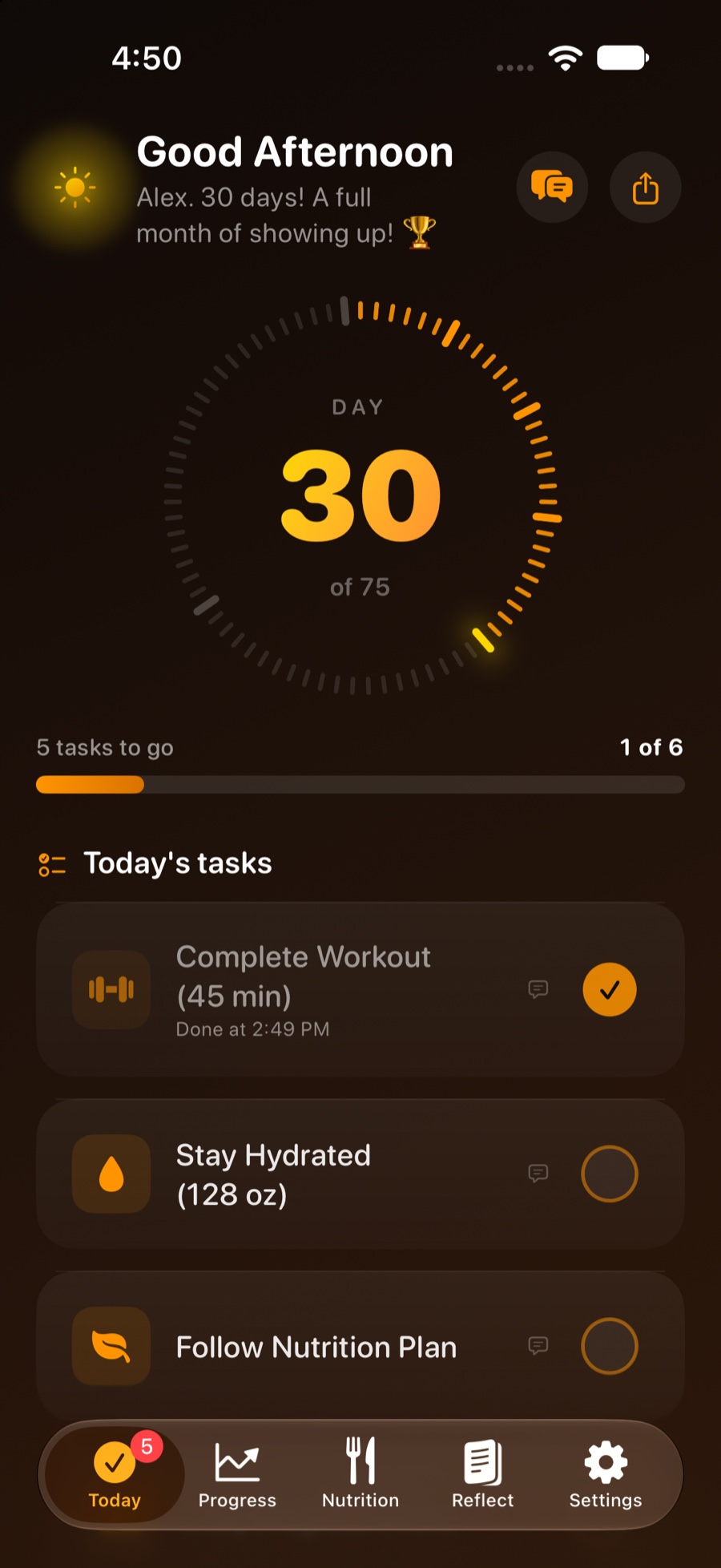
One screen that answers "what's left?"
A day ring, your tasks, and the water you still owe. Tick things off as you go, add a note to any task, and seal the day when it's done — the counter rolls over at midnight, so finishing Day 12 doesn't dump you straight into Day 13's chores.
- Six default tasks, or build your own list from scratch
- Beginner, Traditional and Extreme commitment levels
- Water logging with quick-add amounts you choose
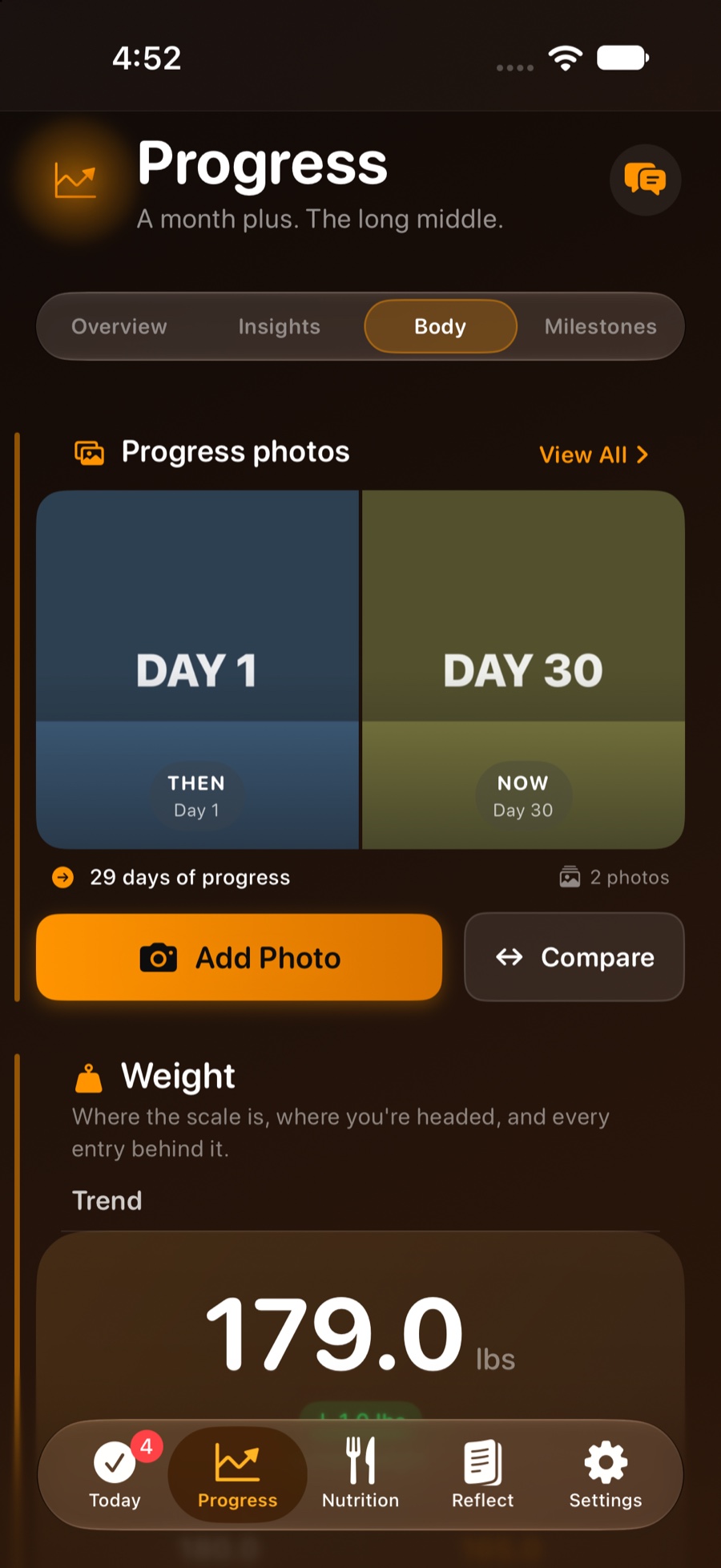
- Progress photo and weigh-in right where you need them
Proof, not vibes
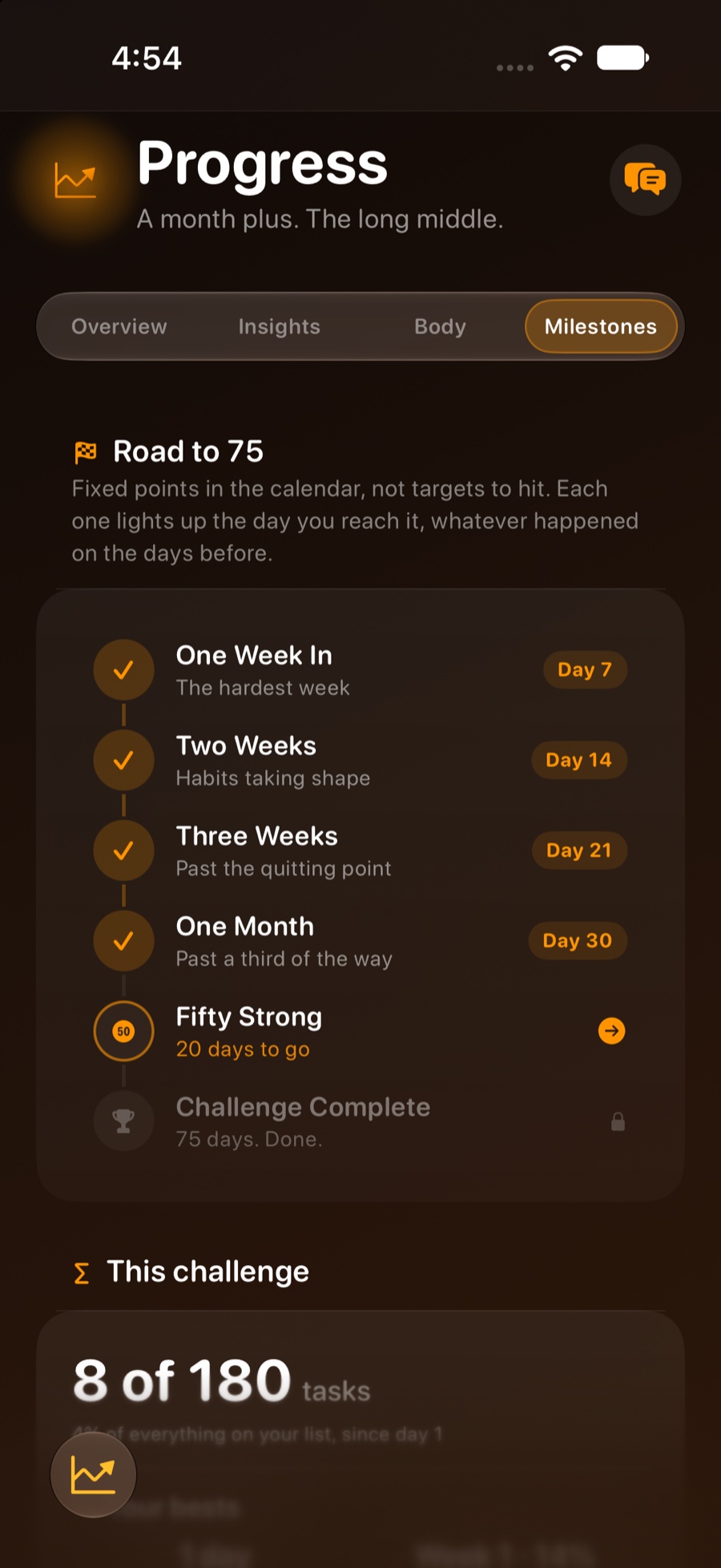
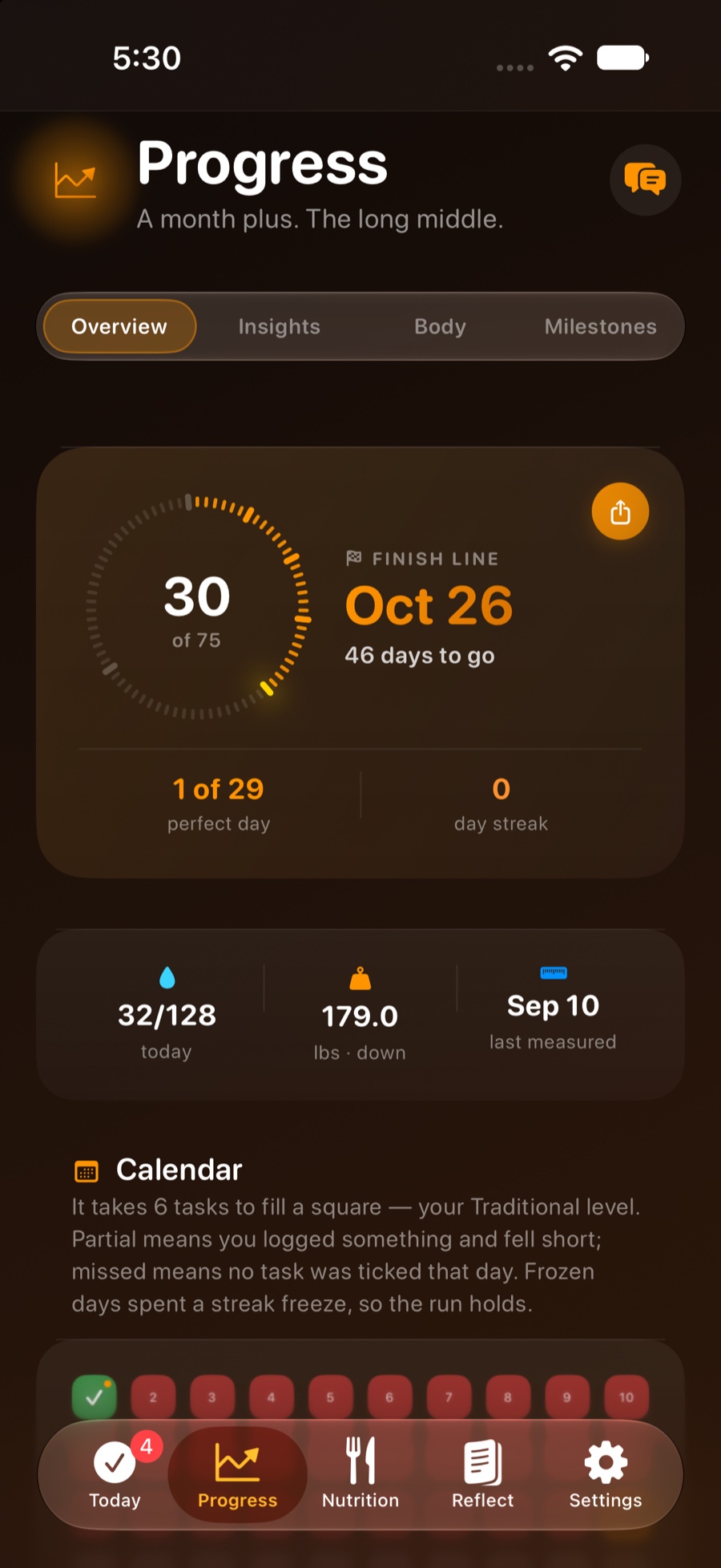
A 75-square calendar of the whole run, side-by-side photo comparisons, weight and body-measurement charts, and a written read of what's working and what's slipping. Milestones mark the checkpoints that actually matter.
- Before-and-after comparison, collage and time-lapse video
- Weight, BMI, hydration, movement and measurement trends
- Weekly story: a plain-English recap of the last seven days
- Share cards and a completion certificate worth keeping
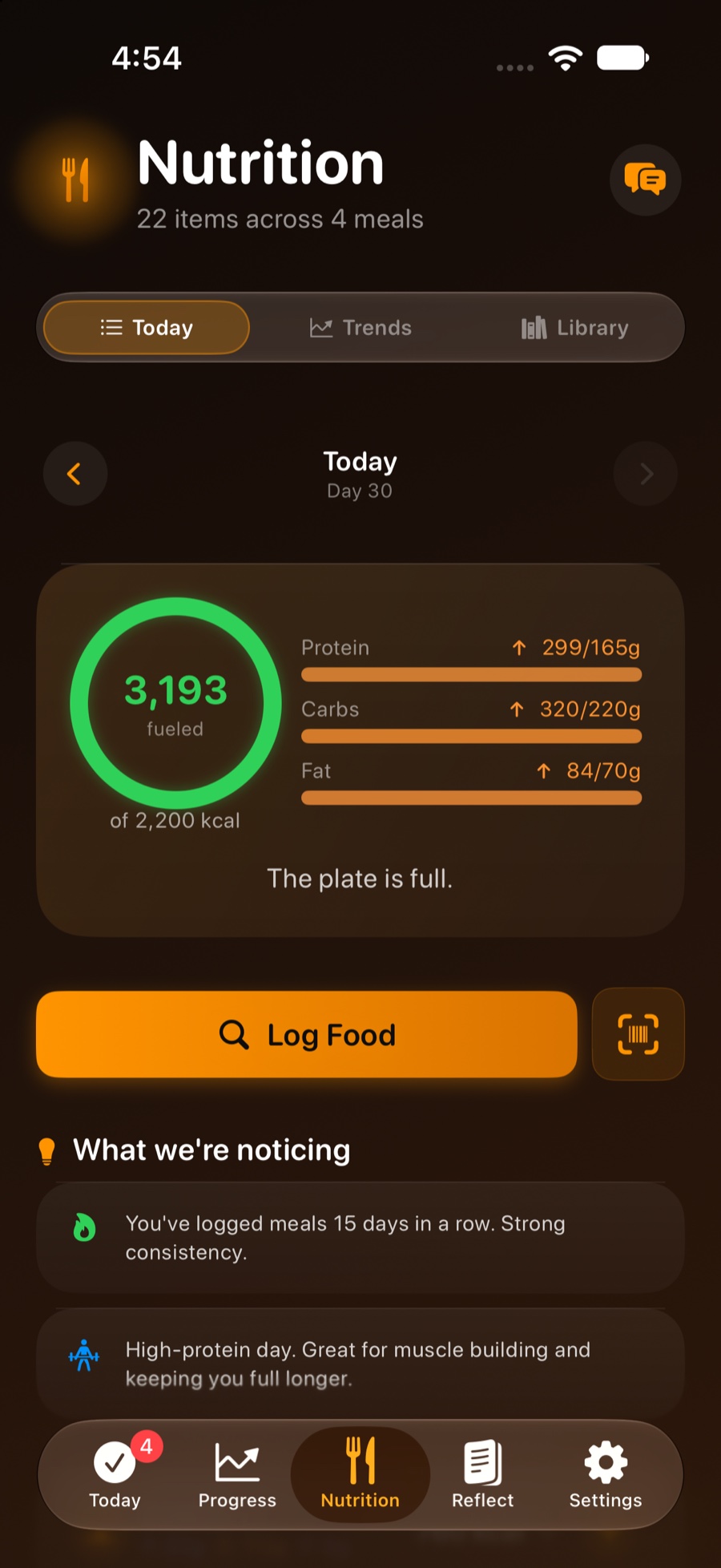
Food tracking that isn't a second job
Scan a barcode, search two open food databases, or just describe your meal in plain English and let the on-device model pull the numbers out. Save the meals you eat every week and log them in a tap.
- Barcode scanner, Open Food Facts and USDA FoodData Central
- Recipes, meal templates and meal plans
- Calories, macros and micronutrient tracking
- Don't count calories? Switch the whole module off — nothing is deleted
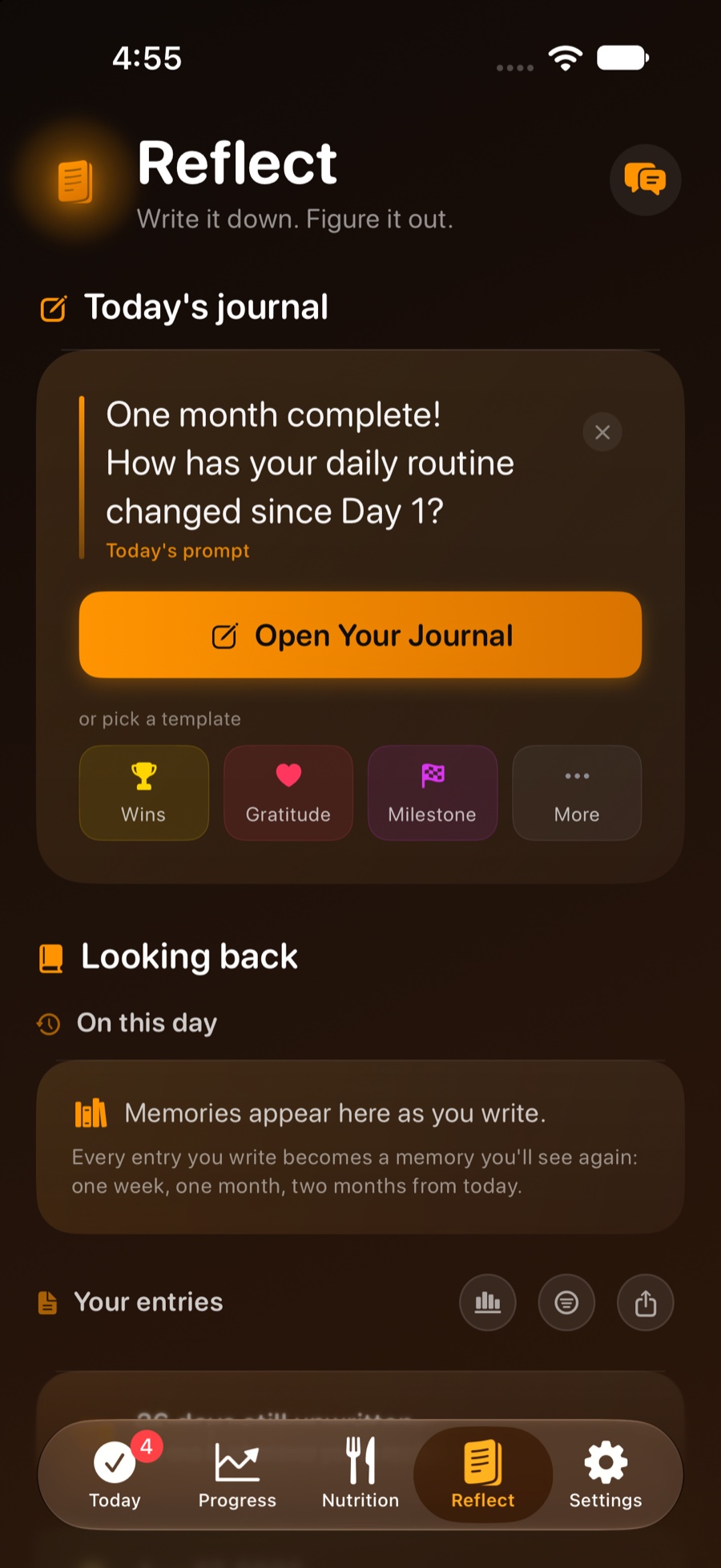
The part people skip, made easy
A daily journal with prompts that change as the challenge does, mood and energy tracking, and the reasons you started kept somewhere you'll see them on the days it's hard. Speak it instead of typing if you'd rather.
- Voice entries, transcribed on your device
- Templates for wins, gratitude and milestones
- "On this day" look-backs from earlier in the run
- Export the whole journal as a text file you keep
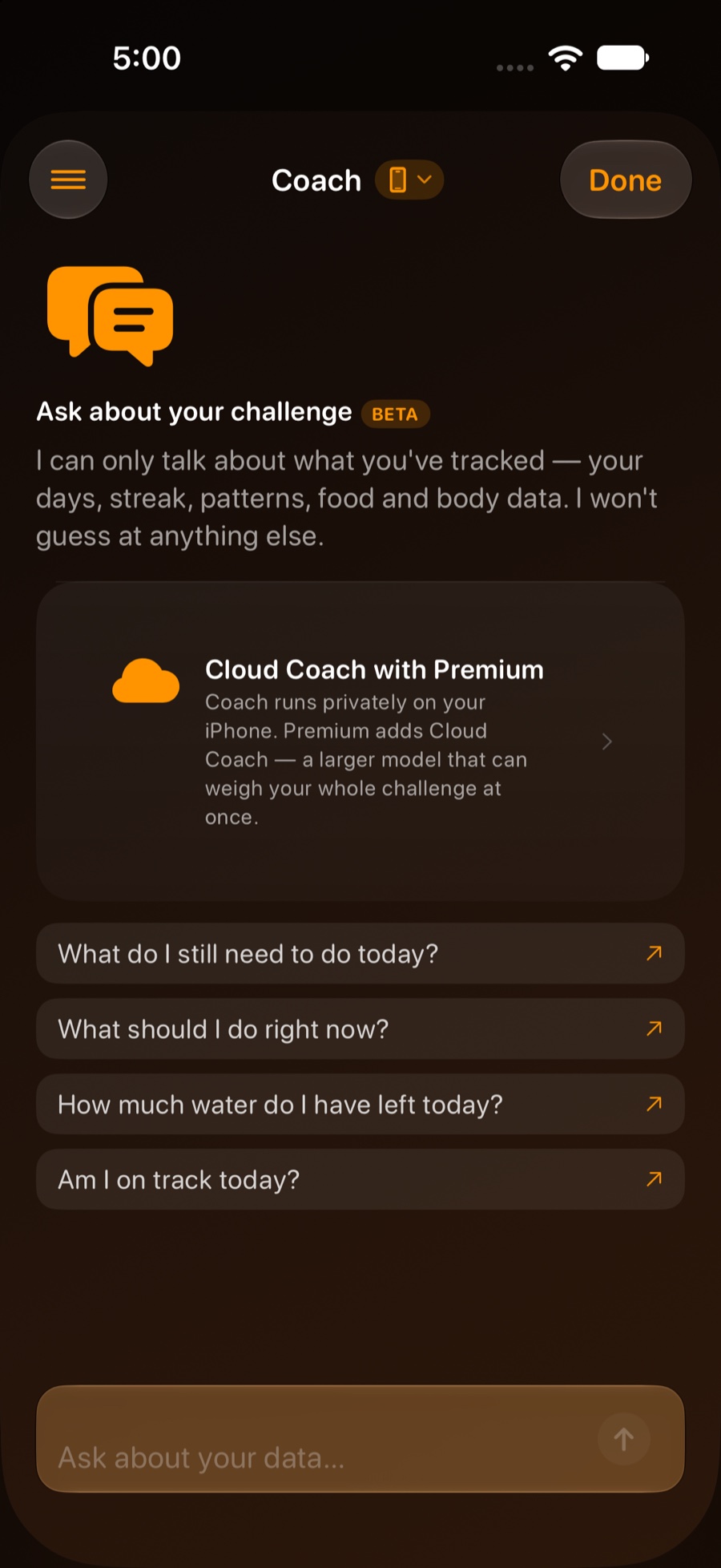
An AI that only talks about your data
Ask what you've still got left today, how your hydration is trending, or how streak freezes work. Coach answers from your own tracked numbers and refuses to make any up — every figure it quotes is checked against the data before you see it.
- Runs entirely on your iPhone with Apple Intelligence
- Cloud Coach (Premium) adds a larger model for harder questions
- Your journal text, your stated reasons and your name are never sent
- Four coaching voices, from gentle to frankly rude
Take a look around
Real screens from the current build. Swipe.
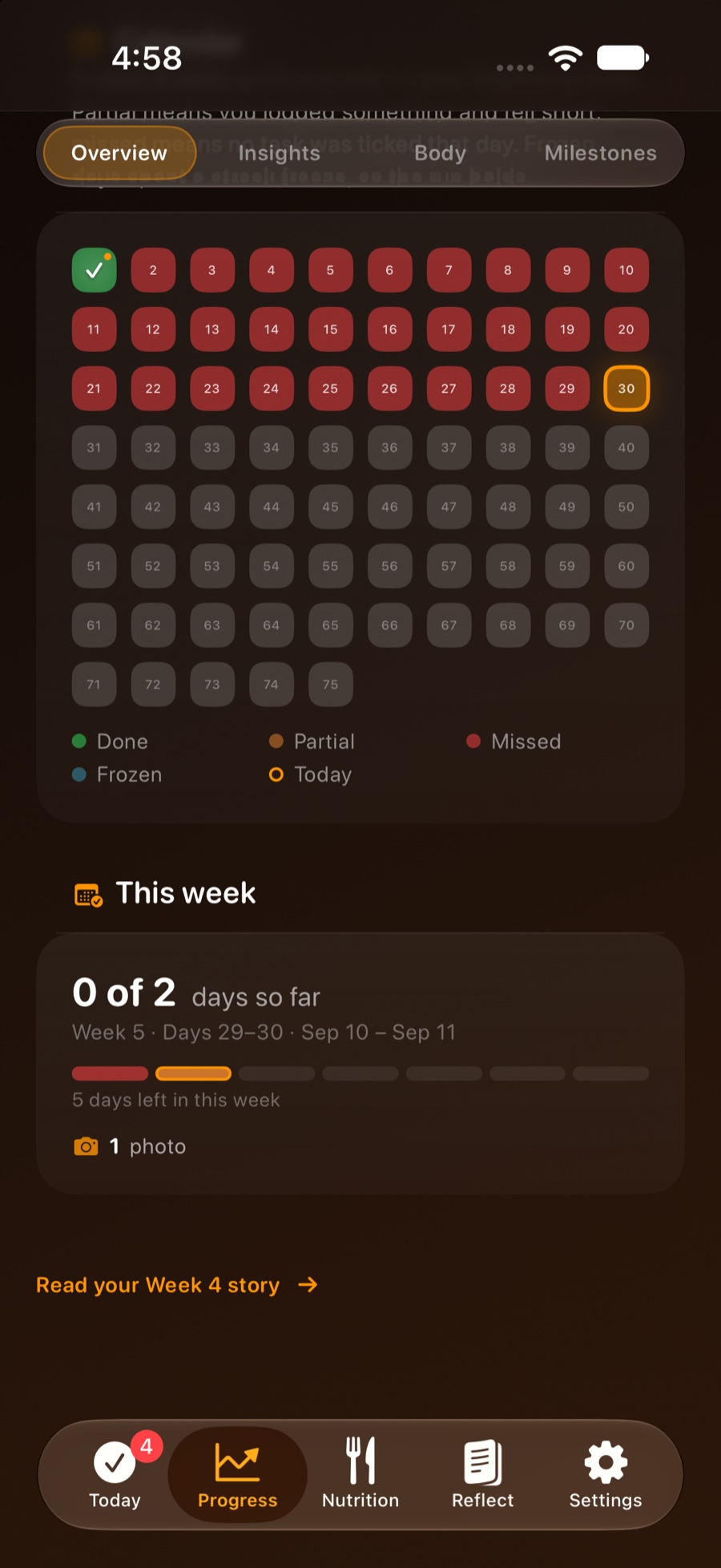
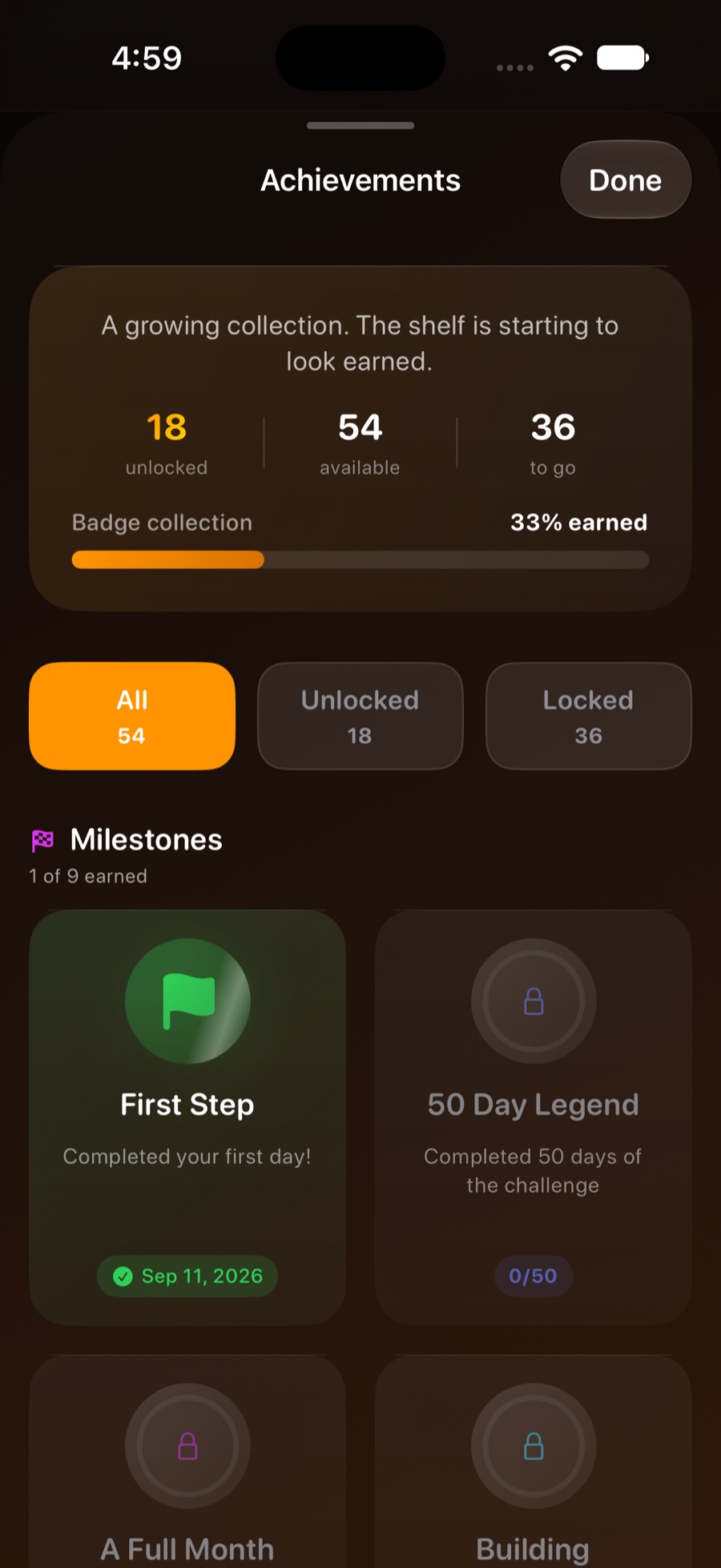
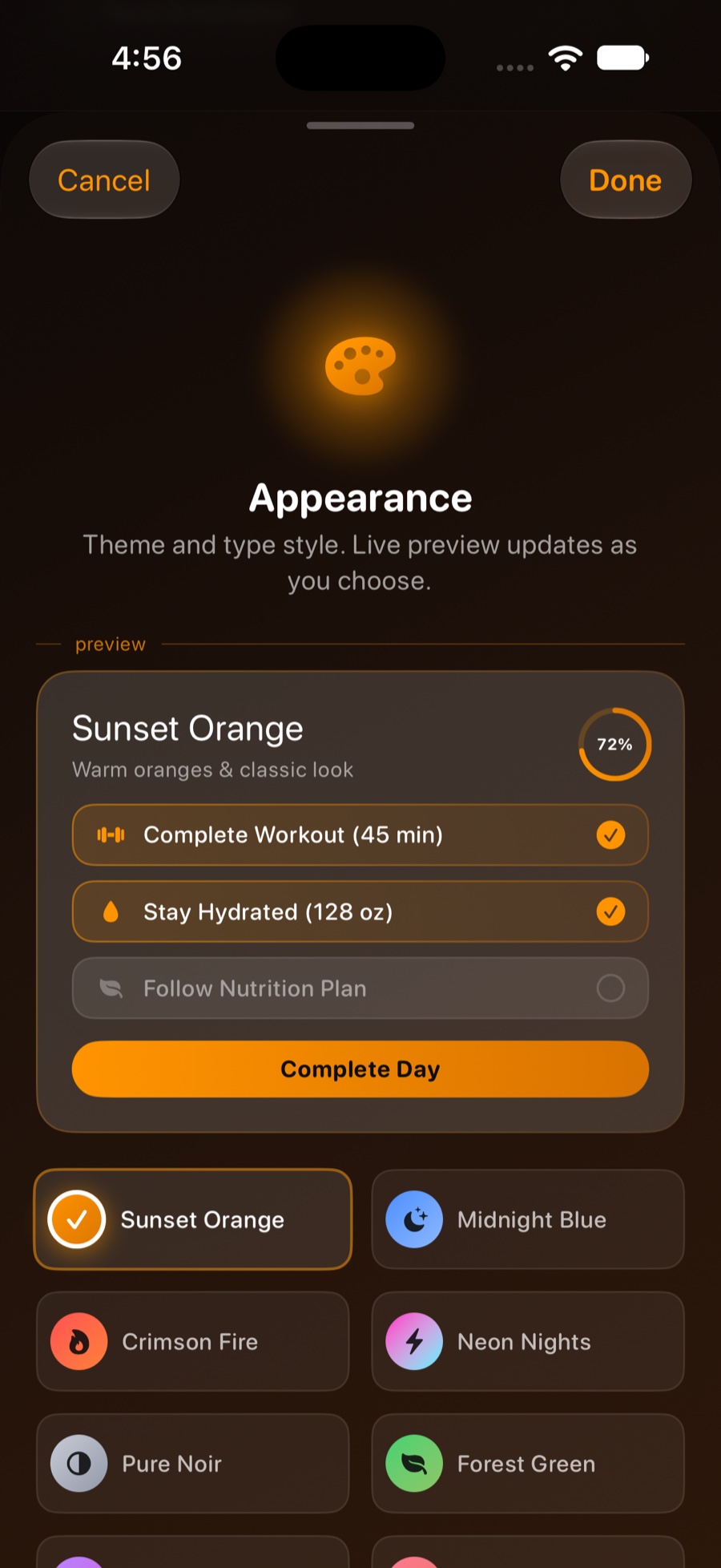
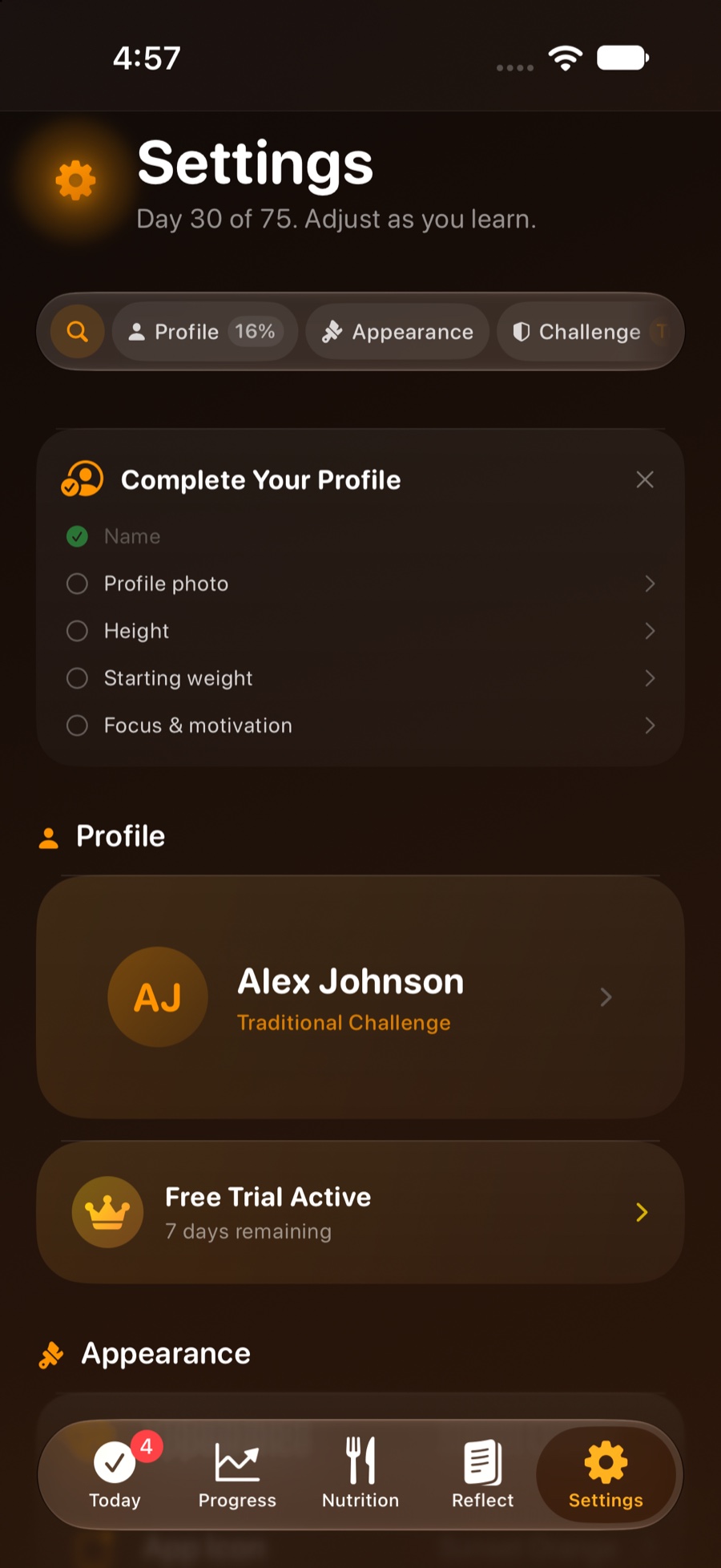
It doesn't stop at the app icon
The fastest way to log something is the way that doesn't need you to open an app.
Apple Watch
Start a real workout from your wrist with heart rate and Activity-ring credit. Tick tasks, log water, weigh in and record a mood — with complications for your watch face.
Widgets & Lock Screen
Home Screen widgets in four sizes, Lock Screen accessories, a Live Activity while the day is running, and a Control Center button that logs water in one press.
Siri & Shortcuts
"Log 16 ounces of water." "What day am I on?" Every core action is an App Intent, so it works from Siri, Shortcuts and the Action button.
Apple Health
Weight from a smart scale, workouts from your Watch, and water and nutrition written back so everything lives in one place. Entirely optional.
Accountability partner
Pair with one person by invite code. You each see the other's day and streak, and you can send a nudge. Opt-in, and you can end it at any time.
Fifteen themes + your own
Sunset, Midnight, Pure Noir, Forest, Aurora, Pride and more — with a matching app icon, matching widgets and a custom colour pair if none of them fit.
A hard challenge, not a cruel one
Miss a day and most apps just reset you to zero and say nothing. This one tells you exactly what happened, and gives you a finite, honest way back.
- Streak freezes. Two to start, up to three more earned. Spent automatically on a day you genuinely missed.
- Rest days. Three per round, declared deliberately — offered when the app notices you're running hot.
- Undo. If the app got it wrong and closed out a day you were actually on, you can reverse it.
- Rounds. Finish all 75 and go again — your profile, tasks and food library carry over.
Your challenge is nobody else's business
Progress photos, weight, what you ate and what you wrote at 11pm are about as personal as data gets. Here's the whole arrangement, in plain words.
No accounts, no ads, no trackers
There is no sign-up, no advertising SDK and no analytics service. Nothing about how you use the app is sent anywhere.
Your data, your iCloud
Everything lives on your device. Turn sync on and it syncs through your own private iCloud account — which the developer cannot read.
Leave with everything
Export the lot as JSON, a PDF report or a journal text file. Delete All Data erases it for real, and says exactly what it touched.
Try it for a week. Then decide.
Every feature is unlocked during the 7-day trial — no card up front, nothing to cancel if you walk away.
Everything unlocked. Cancel whenever.
Half the monthly price, and it covers a full round with room to spare.
Buy it once. Nothing renews, ever.
Prices are US App Store prices and may differ in your region. Subscriptions are billed through your Apple Account and renew automatically until cancelled; manage or cancel them in Settings → Apple Account → Subscriptions. Full detail in the Terms of Service.
Questions?
The user guide walks through every feature in the order you'll meet it. The FAQ handles the short ones — is it affiliated with that other 75-day program, does it work offline, what happens on day 76.